Phone Scale App — Estimate Grams from a Photo
Photograph a small everyday object to receive an approximate AI weight estimate in grams or ounces. Review the confidence context, and use a physical scale whenever accuracy matters.
Digital Scale · Web
1 · Guest scan
Photo estimate or physical scale?
Scale for Grams works in your browser and on iPhone or Android. It analyzes a photo; you do not place the object on your phone screen.
An AI estimate from a photo
The model uses the visible object and scene to suggest an approximate weight in grams or ounces. Hidden contents, materials and size can change the real weight. Use the result as an everyday reference.
A measurement from a physical scale
A physical scale responds to the load placed on it. Choose an appropriate calibrated scale when you need an exact weight, rather than relying on a photo or the model’s confidence signal.
Why Choose Scale for Grams
A Camera-Based Digital Scale for Quick Estimates
Scale for Grams turns an iPhone photo into a transparent weight estimate for everyday reference. It complements a physical scale; it does not replace one when precision matters.
Camera-First Estimation
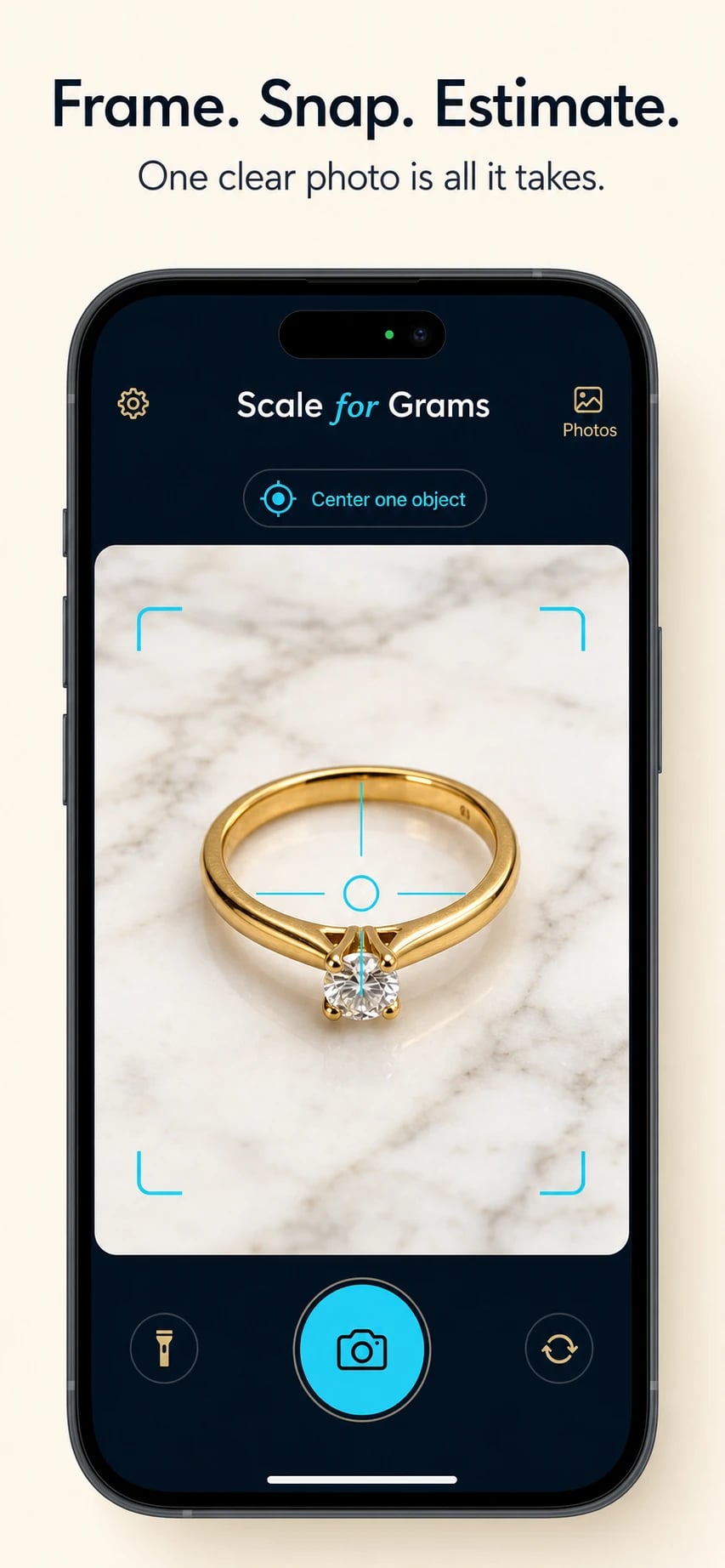
Center a small everyday object in the viewfinder, capture it clearly, and receive an approximate AI weight estimate expressed in grams or ounces.
AI Confidence Cue
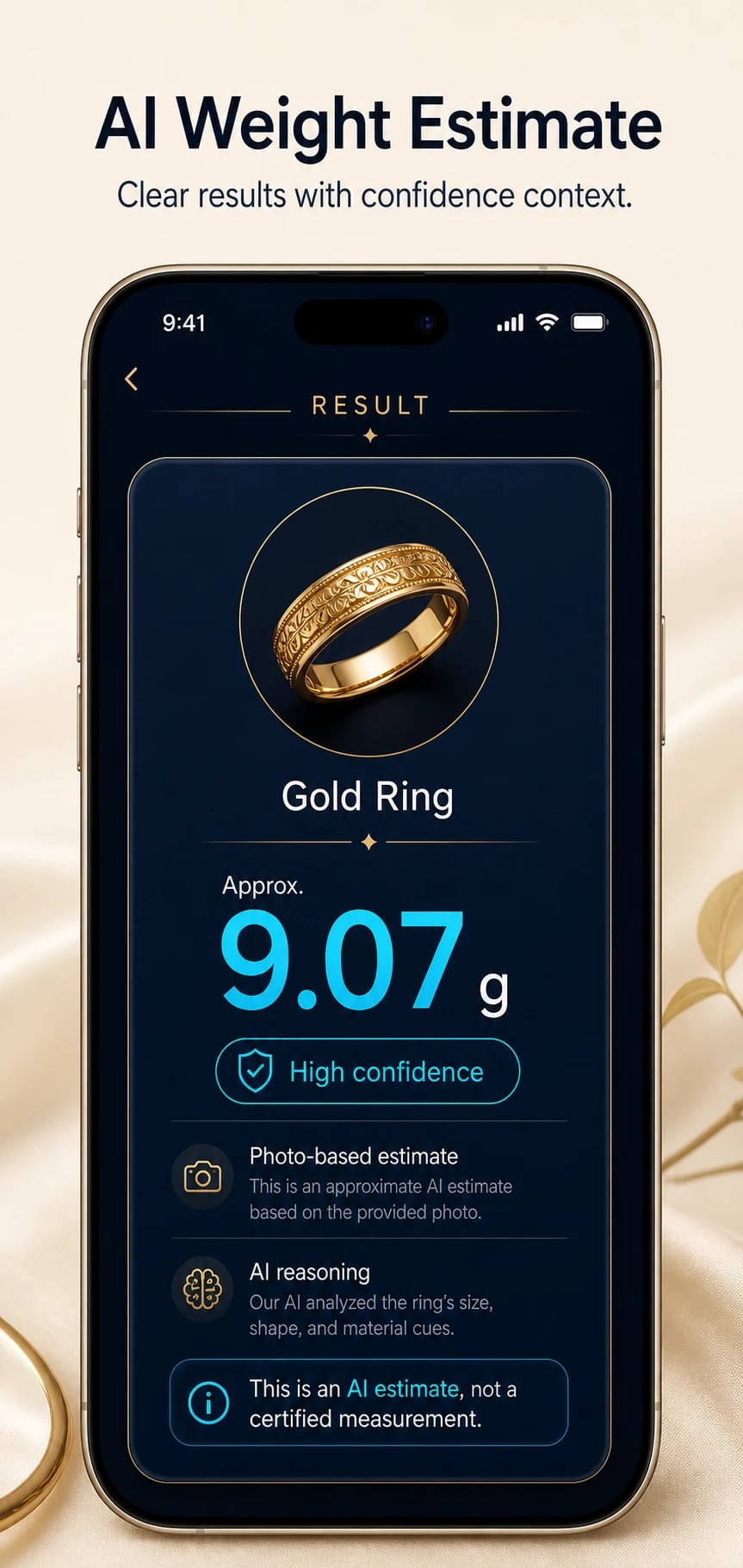
The AI confidence cue and explanation do not provide calibrated error bounds or verify weight. Use a suitable physical scale whenever weight affects a decision.
Metric and Imperial Units
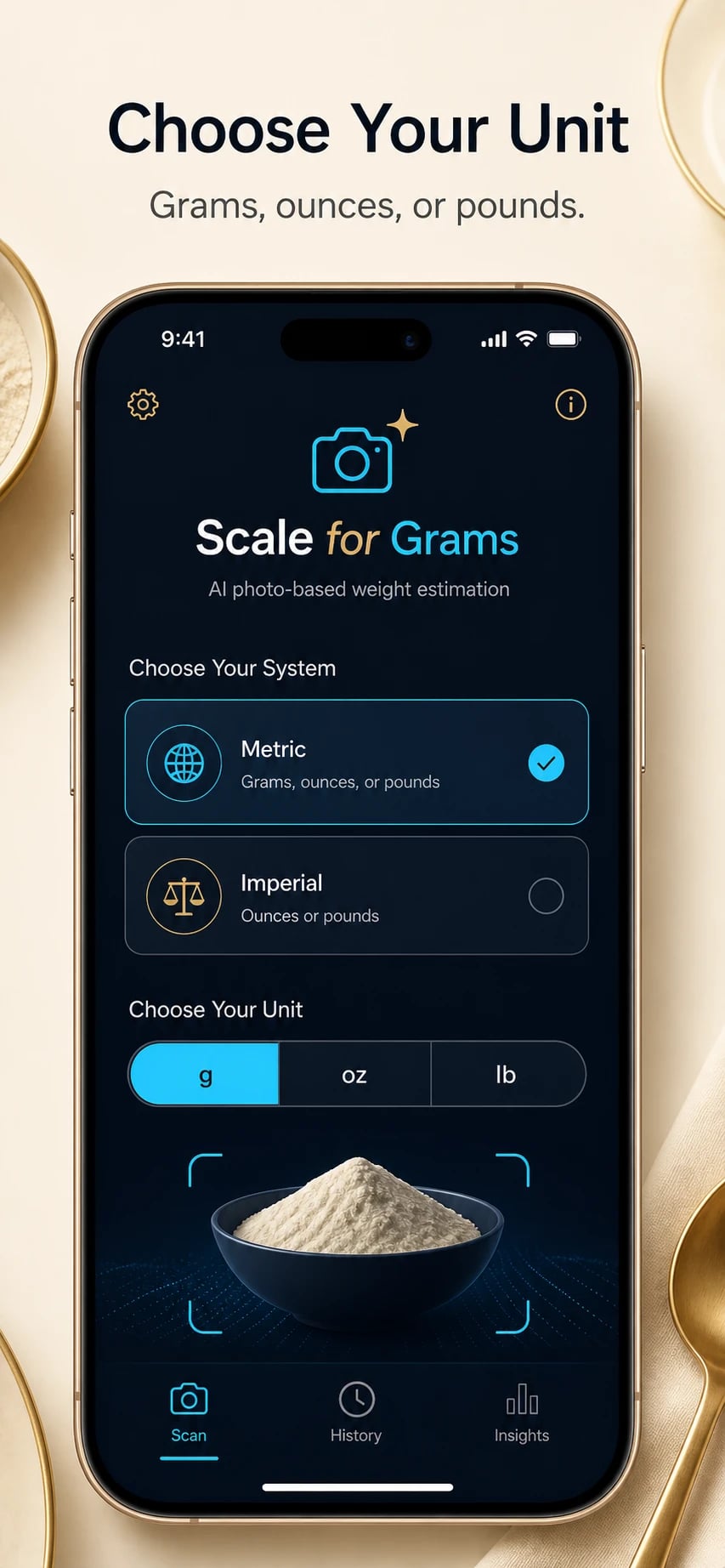
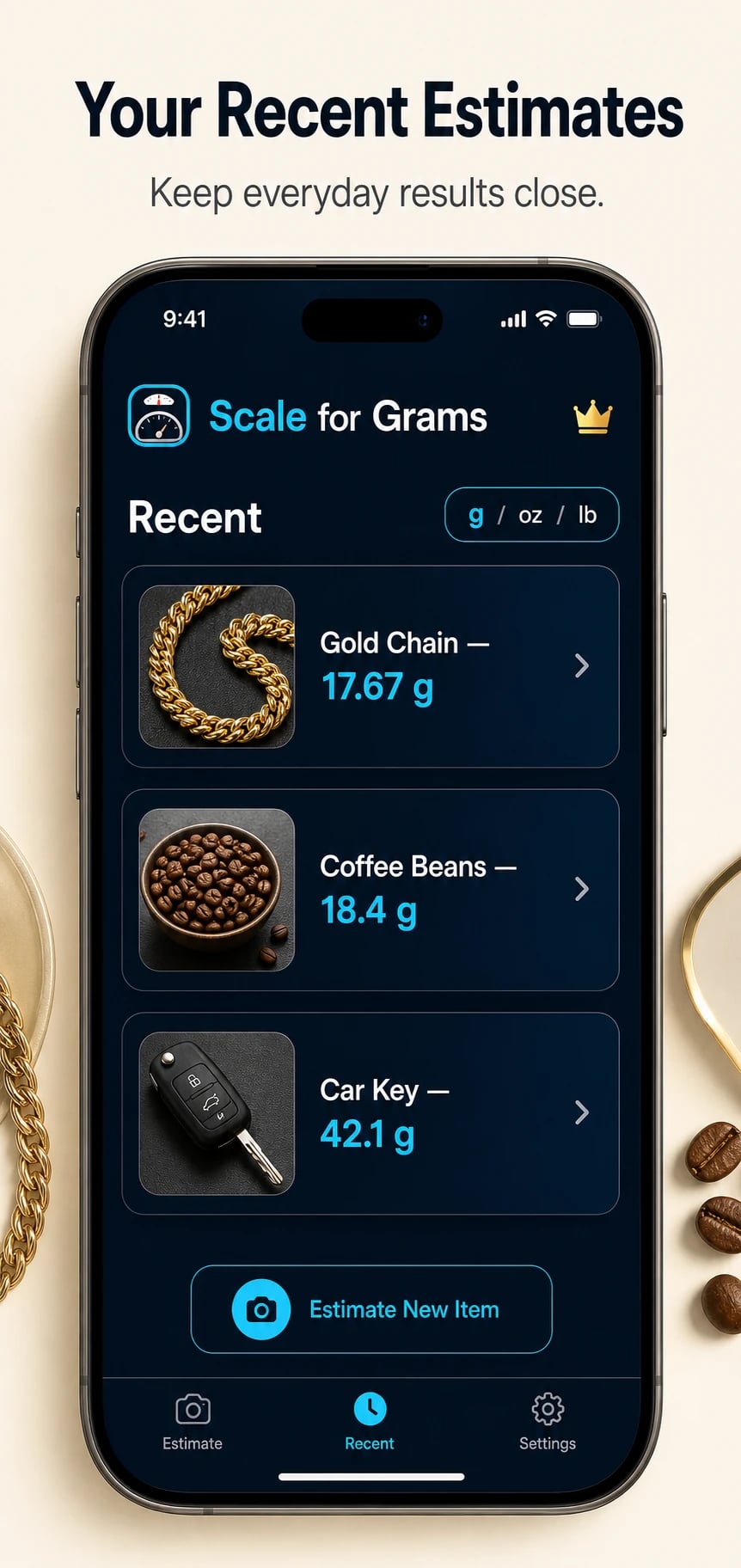
Switch between grams, ounces, and pounds instantly. Choose your preferred unit system and change it anytime from settings.
Gallery Support
Already have a good photo? Pick an existing image from your gallery for analysis instead of taking a new shot.
Fast AI Processing
Results come back in seconds through secure cloud-based AI. No waiting, no complicated setup — just point, capture, and see.
Privacy-Aware Design
Photos you analyze are not stored on our servers. Language and unit preferences stay on your device for a private experience.
More AI Tools Coming
Tape Measure, Calorie Counter, Plant Identifier, Translate, and Object Counter are already part of the app flow and coming soon.
Simple and Intuitive
A clean camera interface with clear guidance. Most users get their first estimate within seconds of opening the app.
How It Works
Get Started in 3 Simple Steps
No complicated setup. No learning curve. Just open the app, capture an object, and see the estimate.
Pick Your Unit System
Choose metric or imperial during onboarding. You can switch between grams, ounces, and pounds anytime from settings.
Capture or Upload a Photo
Center an object in the camera viewfinder and tap to capture, or select an existing photo from your gallery for analysis.
Review the Estimate
See the detected object name, estimated weight, confidence level, and short AI reasoning — all on one clear result card.
Screenshots
See It in Action
Take a closer look at the Scale for Grams experience on iPhone.
FAQ
Got Questions? We Have Answers
Everything you need to know before getting started.
Can I use my iPhone as a weighing scale?
An iPhone does not directly measure an object's weight from a photo. Scale for Grams uses visual information to provide an approximate estimate with confidence context. Use a calibrated physical scale for cooking, postage, trade, medical, laboratory, or other precision-sensitive decisions.
Is there a free digital scale app for iPhone?
Scale for Grams is available as a free iPhone download and provides camera-based weight estimates in grams, ounces, or pounds. It is an estimator rather than a certified digital scale, so results should be treated as informational.
Is Scale for Grams a certified replacement for a real scale?
No. The app provides AI-based estimates designed for quick everyday decisions. It should not be treated as a legal, trade, medical, or laboratory measurement tool. Results are informational and may vary depending on lighting, angle, and object clarity.
Which units does the app support?
Scale for Grams supports both metric and imperial unit systems. You can view results in grams, ounces, or pounds, and switch between them at any time from the settings screen.
Can I analyze an image from my photo gallery?
Yes. In addition to live camera capture, you can select an existing photo from your gallery for weight estimation. This is useful when you already have a clear photo of the object you want to analyze.
Does the app need an internet connection?
Yes. The AI analysis requires an internet connection because estimation is processed through secure cloud-based AI services. Your language and unit preferences are stored locally on your device.
Can I use the digital scale free in my browser?
Yes. The web version provides one free guest scan and one additional free scan after sign-in. Paid web scan packs are not available yet.
Ready to Start Estimating?
Download Scale for Grams for free and get approximate weight estimates from clear photos of small everyday objects.